
Tempus Tools for Laser Cutting
Laser quoting software for fast, structured pricing
Tempus Tools is laser quoting software built for fabrication and laser cutting shops that want to replace spreadsheets with structured quoting based on geometry interpretation and rule-driven pricing.

Interpret customer drawings quickly
Apply consistent pricing rules across quotes
Generate structured quotes and production documents

From spreadsheet quoting to structured pricing
Before
Estimators interpret drawings manually
RFQs pile up faster than the team can respond
Quotes vary depending on who prepares them
Production teams receive incomplete or unclear job details
After
Geometry is interpreted and prepared for quoting
Pricing rules are applied consistently across quotes
Estimators follow the same structured quoting logic
Quotes generate clear production documentation

How Tempus Tools laser quoting software works
Import customer drawings
Upload customer PDF or CAD files directly into Tempus Tools so estimators can begin preparing parts for quoting without manual redrawing.
.avif)
.avif)
Prepare part geometry
Use tools like Drawing Doctor to organize and clean customer drawings, resolving common geometry issues before parts are used in the quoting workflow.
Generate structured quotes
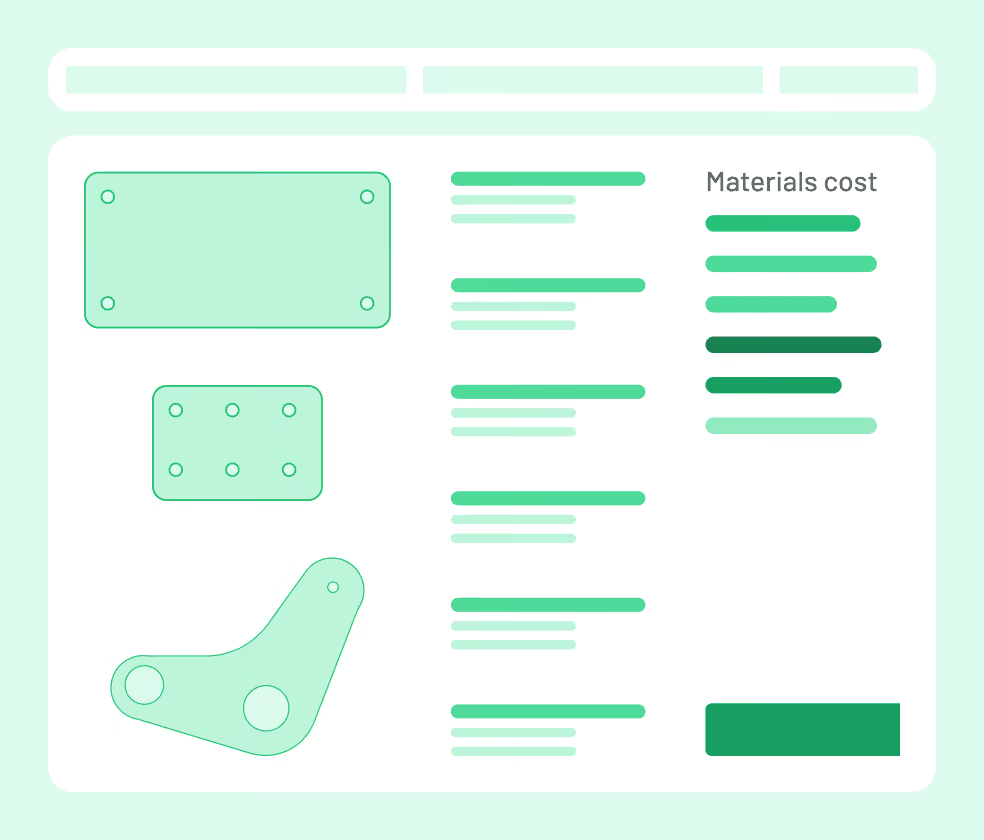
Apply configured pricing rules across materials, machines, and processes to generate consistent quotes, helping estimators produce accurate pricing faster and with fewer manual calculations.
Key features of Tempus Tools laser quoting software
Quick Quoting
Generate quotes using structured pricing rules for materials, machines, and processes instead of spreadsheets or manual calculations.
Drawing Doctor
Prepare customer CAD files for quoting by cleaning and organizing part geometry before generating pricing.
Powered by your full quoting system
Quoting in Tempus Tools is part of a connected system used across estimating, production preparation, and customer management. More connected features include:
Material and machine rate tables
Multiple cutting technologies (laser, plasma, waterjet)
PDF to CAD
Part library for repeat parts
Customer-specific pricing rules
Customer Central for account management
Quoting software built for laser cutting & fabrication shops

Fabrication shops replacing spreadsheets
Manufacturers that currently quote work in spreadsheets and want to:

Growing manufacturing operations
Operations handling increasing RFQ volumes that need:

Laser cutting shops quoting complex parts
Teams quoting parts with complex geometry that want to:

What manufacturing teams are saying
“We needed a quick and efficient software solution to export a presentable quote that we can forward directly to customers in a timely fashion. Spreadsheets just weren’t going to work anymore.”

Luke P.
,
J&T Steel Sales
“Since implementing Tempus Tools, we’ve found it is much more accurate, reliable, and fast. Instead of two people quoting full time, we can now have one person do a better job in a quarter of the time.”
Olivier S.
,
MSG Industries
“I like that my laser machine operator and I can get an accurate idea of material usage, time, labour, and other relevant data for each job – and it greatly reduces the risk of human error, because Tempus Tools is a rules-based program.”
Frank M.
Owner
,
Rolleston Sheetmetal
Ready to improve your laser quoting process?
If your fabrication or laser cutting shop still relies on spreadsheets or manual quoting, Tempus Tools laser quoting software can bring structure, speed, and consistency to the process.
Faster quote turnaround
Consistent pricing across estimators
Clearer production-ready job information

FAQs
What is laser quoting software?
Laser quoting software helps fabrication and laser cutting shops generate structured quotes by interpreting customer drawings and applying predefined pricing rules.
Can multiple estimators use the same pricing rules?
Yes. Tempus Tools allows shops to configure pricing rules so all estimators follow the same quoting logic.
Does the software work with customer CAD files?
Yes. Customer PDF and CAD drawings can be imported and prepared for quoting using the Drawing Doctor feature.